Page 3 of 3
Re: Color of function keys
Posted: 21 Dec 2023, 20:00
by Fre_Vdh
I do have another style defined for x29, maybe that's an issue?
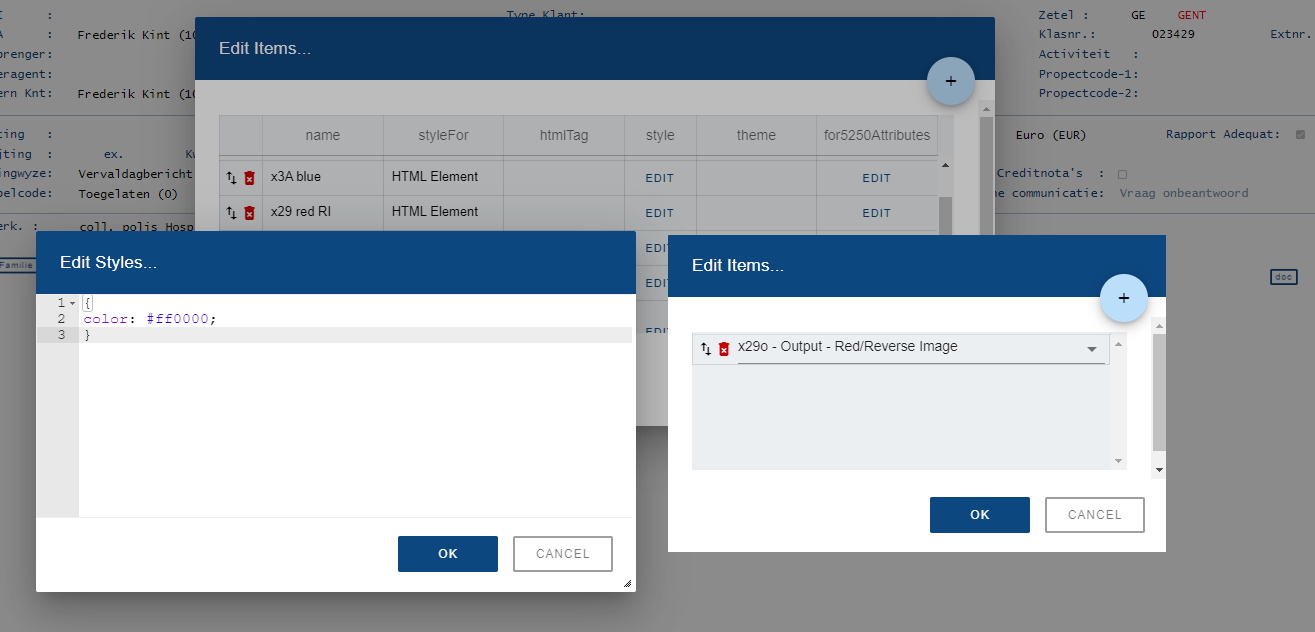
- X29.png (45.21 KiB) Viewed 81745 times
Re: Color of function keys
Posted: 05 Jan 2024, 16:06
by Fairdinkum
Hi,
Removing the existing "x29" definition might be worth a try.
Regards,
Hide
Re: Color of function keys
Posted: 18 Jan 2024, 22:56
by Fre_Vdh
I removed the x29 definition, but still the same.
The background of div "text1b22" is not red either, so inherit will not work I guess.
Should there not be a rule for that div?
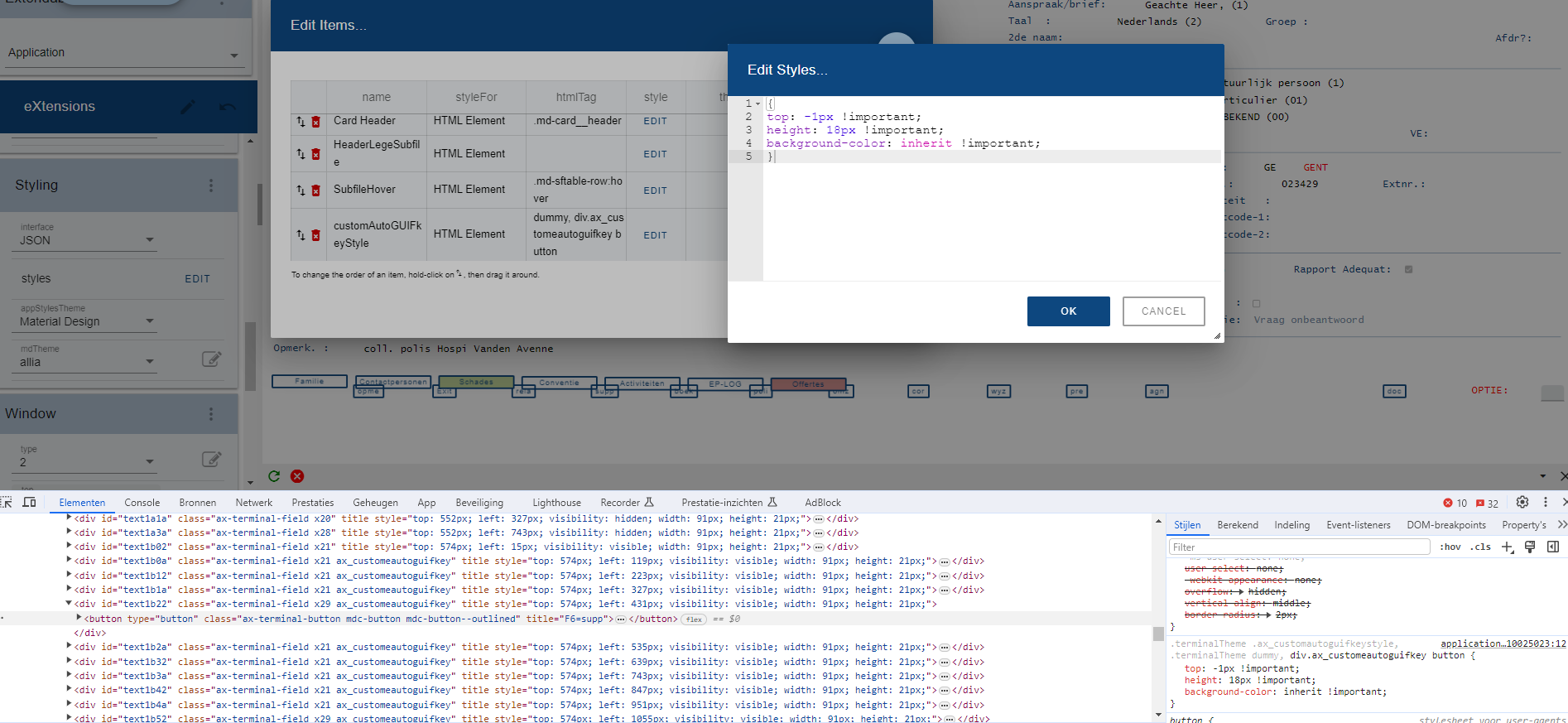
- rood weg.png (171.81 KiB) Viewed 72629 times
Re: Color of function keys
Posted: 19 Jan 2024, 19:30
by Fairdinkum
It seems "inheritance" setting is applied to the background-color. You might want to check if the container div has any background colors.
Regards,
Hide
Re: Color of function keys
Posted: 19 Jan 2024, 21:26
by Fre_Vdh
I found something:
- I removed all the customAutoGUIFkeyStyle stuff.
- On the AutoGui ruile 'Function Keys' i went into the properties and in the eXtensions style I entered
Code: Select all
var f=FIELD.get5250Attribute("id");

if (f === "X29"){
    var oStyle = {"background-color":"#d99694"};
}
else
{
    oStyle = "";
}
ENV.returnValue = oStyle;
- Now I have the buttons in color and if I add them to a Button Panel the colors are also there